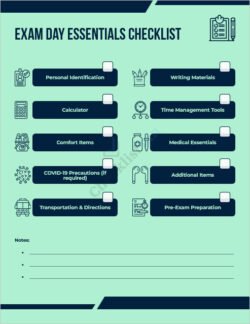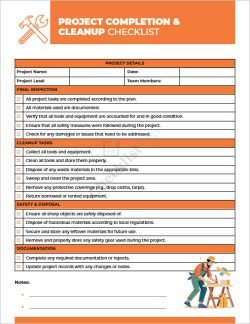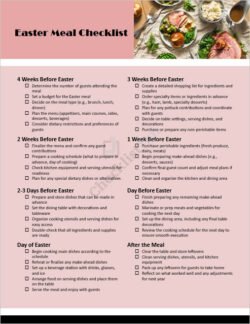
This easy-to-use Assignment Grading Checklist template is designed for educators, instructors, and teaching assistants who want a professional and repeatable way to assess student assignments. Built in Microsoft Word, the template helps you standardize feedback, streamline grading, and clearly communicate evaluation criteria to students.
Key Features
- Fully editable in Microsoft Word: The template is provided in a
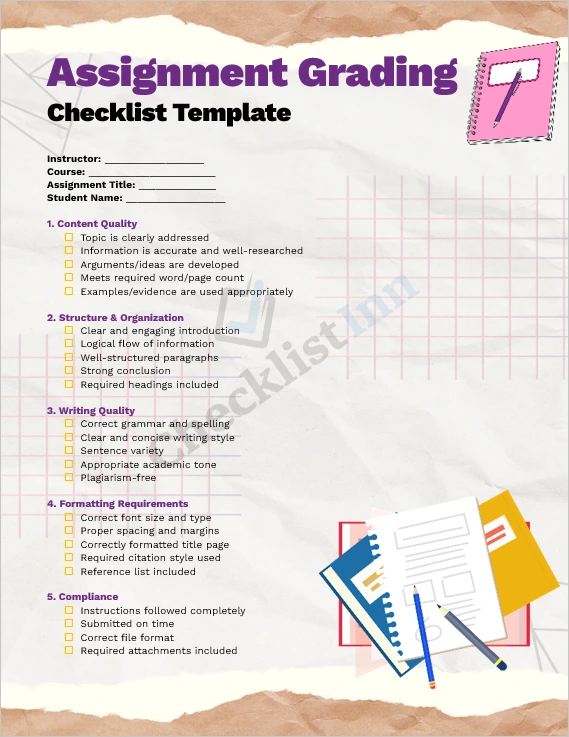
.docxformat, so you can customize it to match your course style, adjust weightings, or modify sections as needed. - Structured criteria: The checklist covers all critical areas that matter in most assignments — content quality, organization and structure, writing mechanics, formatting compliance, and adherence to assignment guidelines.
- Clear checkboxes + comment fields: For each criterion, there is a “Yes / No” checkbox along with space for comments. This makes feedback quick to provide and easy for students to interpret.
- Scoring (rubric) version included: In addition to a simple checklist, the template includes a rubric-style version with point-based scoring (e.g., 1–5 scale) so you can give quantitative grades.
- Final evaluation section: There’s a dedicated section for highlighting strengths, areas for improvement, and delivering a final grade — with a space for instructor comments.
- Professional design: The layout is clean and printable, making it ideal for both digital use and hard copy distribution.
Why Use This Template?
- Consistency in grading: Ensures every assignment is evaluated against the same criteria, reducing subjectivity and increasing fairness for students.
- Time-saving: Instead of writing the same feedback points for every student, you can use pre-defined checklist items and focus your comments where they matter.
- Student clarity: Students can see exactly where they did well and where they need improvement, thanks to the clearly defined criteria and comment areas.
- Customizable to your course: Whether your assignments are essays, research papers, or project reports, you can tailor the checklist to match your specific requirements.
- Professional feedback: Using a structured rubric-style checklist increases the professionalism and clarity of your feedback, leading to more effective learning.
How to Use It
- Download the .docx file and open it in Microsoft Word.
- Customize sections if needed — you can change headings, criteria, or point values easily.
- Grade each student’s work by marking the checkboxes and writing comments. Use the rubric version if you want to assign numeric scores.
- Save a new copy for every student to avoid overwriting the original template.
- Share feedback: Print the completed checklist, or convert to PDF and email to your students.
Who It's For
This template is ideal for:
- Teachers and lecturers in high school, college, or university
- Teaching assistants or graders working with multiple students
- Online instructors who run writing assignments, research papers, or project-based work
- Educational institutions want to standardize grading practices across courses
Benefits of Downloading Now
- Instant access: Get the file immediately after purchase or download.
- Reusable: Use the template semester after semester, course after course.
- Easy to adapt: Whether your grading style changes or your criteria evolve, the template remains flexible.
- Improves feedback: Quickly provide structured, actionable feedback that helps students grow.
Call to Action
Ready to streamline your grading process and give clear, structured feedback?
Download the Assignment Grading Checklist – MS Word Template now and start using it today!
- File Size 2.74 MB